
First Time Setup Guide
Congrats on your new Button System! Need help setting up your system for the first time? We are here to help! Click on ‘First Time Setup Guide’ above to learn more…
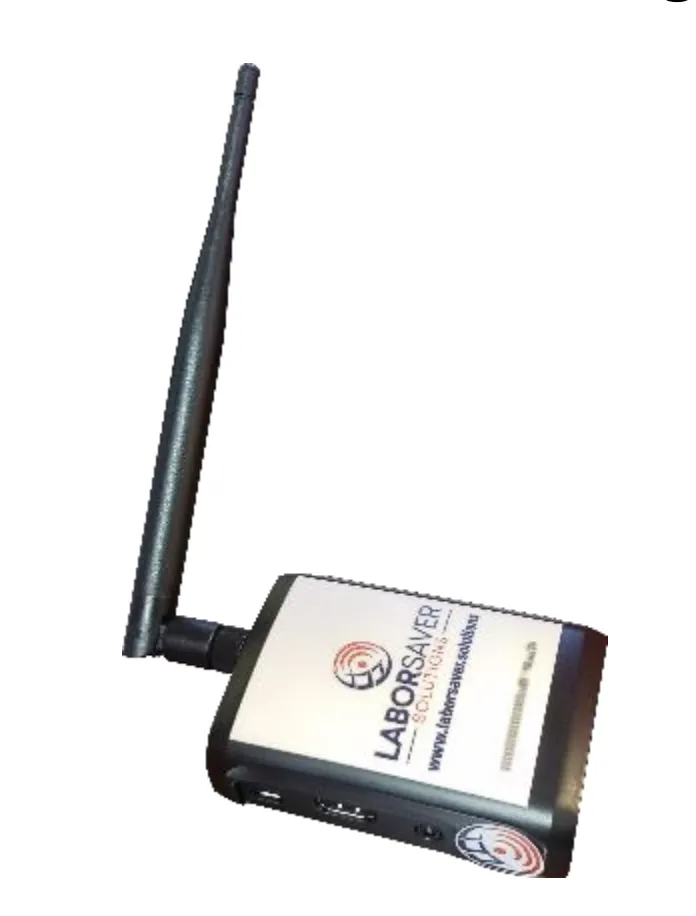
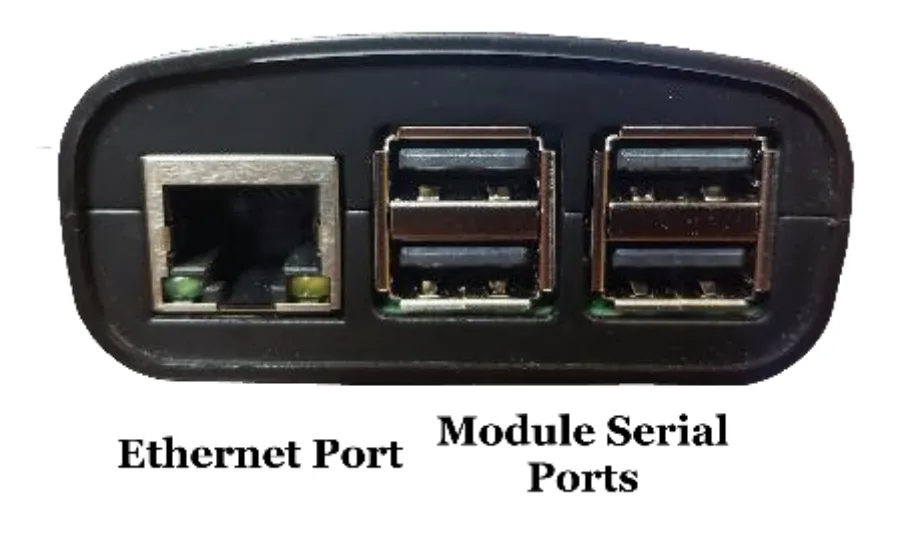
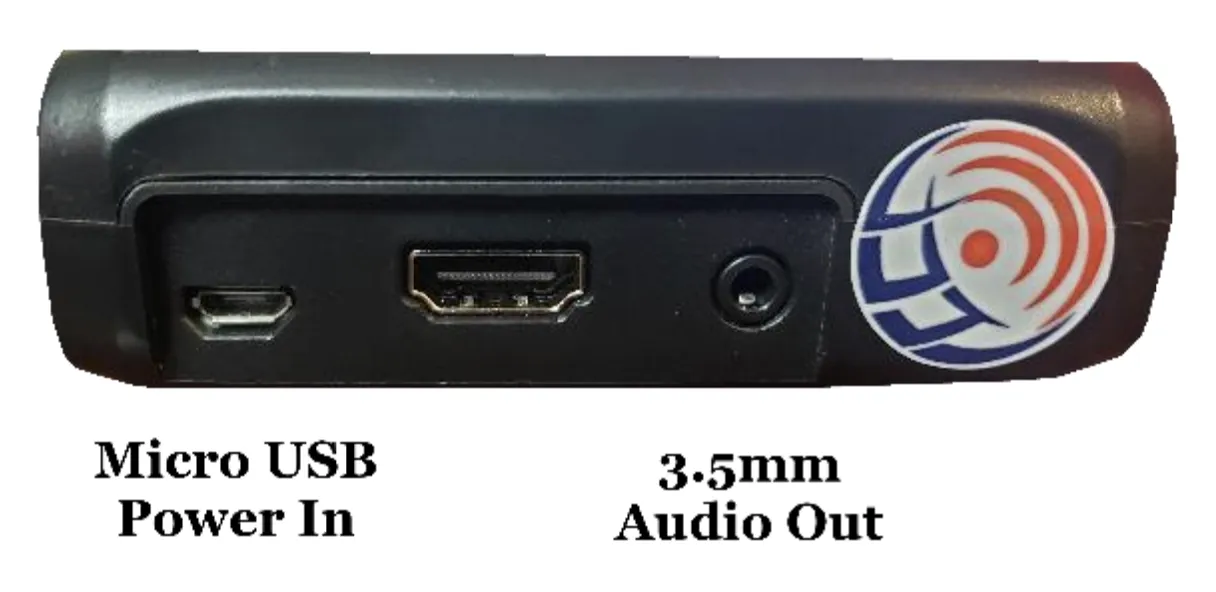
Step 1: Plug the hub into ethernet and power.
Step 2: If you have a walkie-talkie module:
- Plug the USB into one of the hub ports
- Plug the 3.5mm cable into the hub aux port
- Setup the antenna at least 2 feet away from the hub and walkie module
- Plug in the 12v power supply
Step 3: Log into my.laborsaver.solutions and create a new business if not already created.
Step 4: On the side menu, click Paging System, Setup. Once prompted, enter in the hub id located on the top of the hub unit.
Step 5: According to the numbered labels on the back of each button, create a new button in the setup page assigning it the parameters you need with the labeled id.
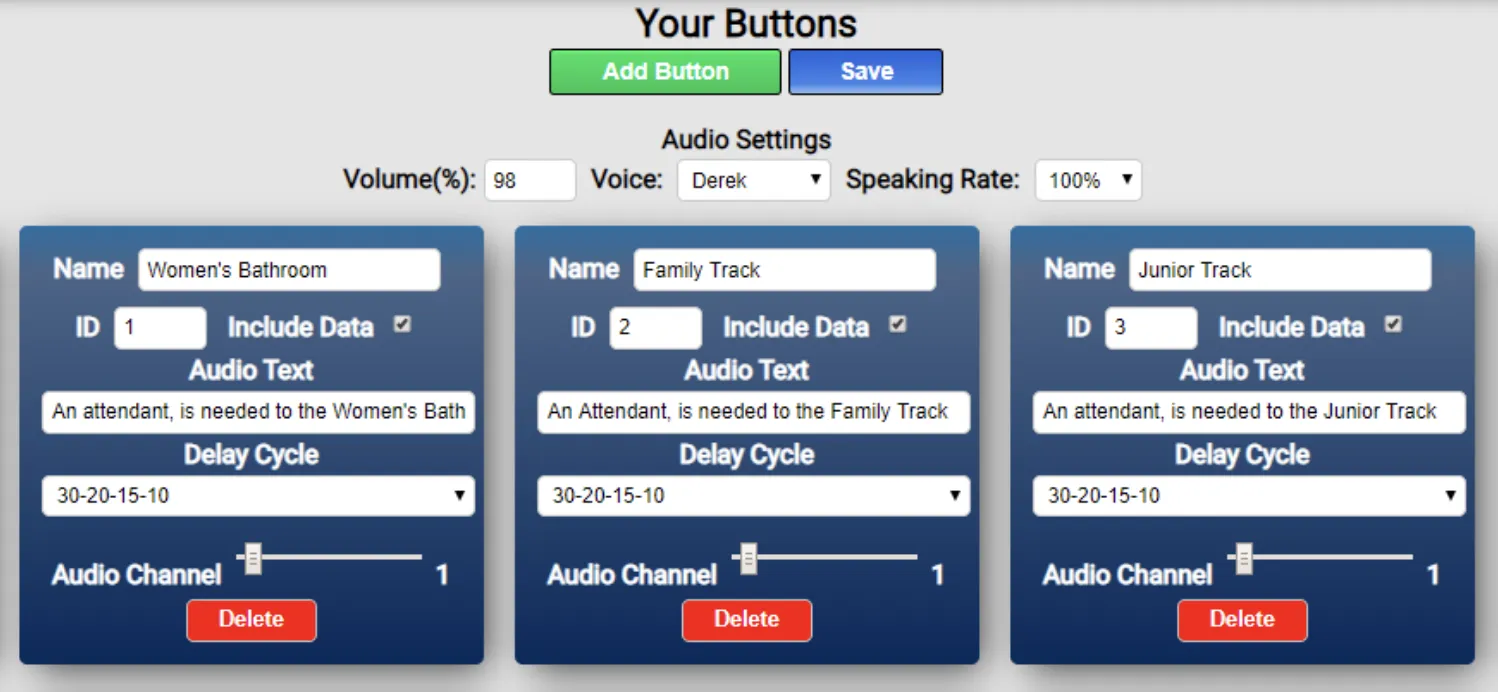
Step 6: Click save and wait approximately 90 seconds for your hub to update, then press one of your buttons to ensure the audio message is correct.
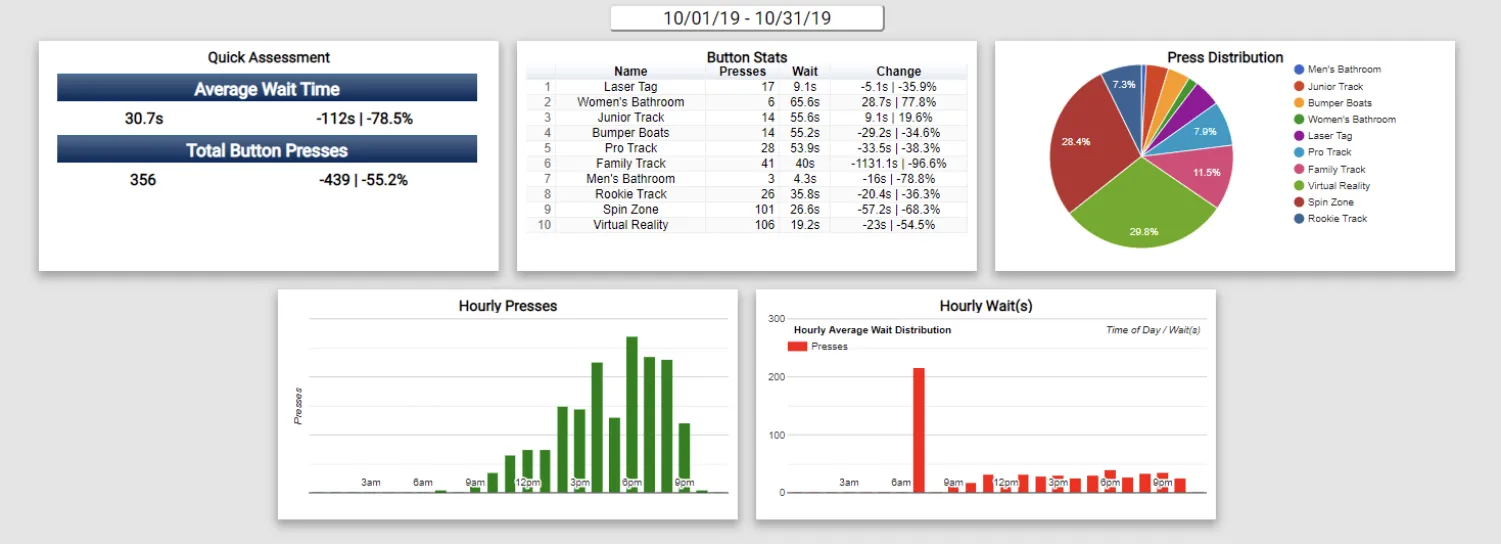
Step 7: To sign up for email reports, click Paging System, Emails and enter in your information. Individual reports give you info on a per button basis. Multi reports gives an overview on a per business basis.
If you need additional support setting up your system, please contact Labor Saver Solutions at [email protected] or by calling (888) 401-3811.